Offline · Phone-first · No account

Track every cut,
cross, and bloom.

A field log built for Trichocereus & Lophophora growers — phases, grafts, pollinations, seed batches and photo timelines. Yours, on your device, even with no signal.

SPECIMEN #327 · pachanoi ‘Huarimayo’ × scopulicola · harvested 120 seed · phase Titan
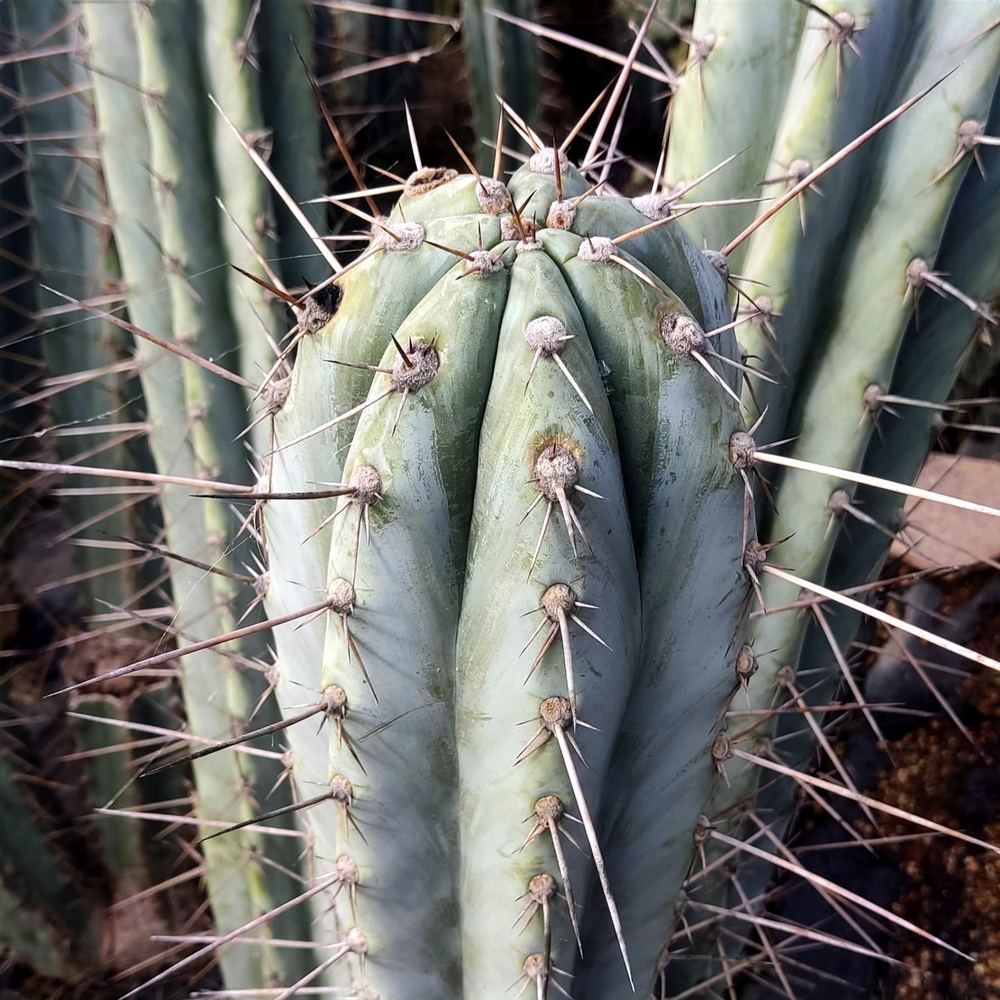
Trichocereus peruvianus ‘Blue’
#312peruvianus ‘Blue’2026‑06‑15
Seedling Branching Titan
A look inside

See the whole grow.

Real screens from the app — load the sample collection and they're yours to explore.

swipe →

What it tracks

Built for the way you actually grow.

📈

Phases, per genus

Phase ladders tuned to each genus — Seedling → Titan for Trichocereus, Seedling → Methuselah for Lophophora. Size-driven phases advance on their own; flowering-gated ones you set.

SEEDLING · YEARLING · BRANCHING · ADULT · TITAN
✂️

Grafting & lineage

Link a scion to its stock and a pup to its mother. Trace any clone back through cuttings and grafts to where it began.

STOCK · SCION · PARENT · CLONE
🧬

Pollination & seed log

Record crosses, harvests and germination rates, then assign SKUs — hybrid, same×same, or open-pollinated — and export the list for your seed shop.

CROSS · HARVEST · SKU #327 · CSV
🖼️

Photo timelines

Every photo is dated to the plant. Swipe the filmstrip oldest-to-newest, or compare the first shot against the latest to see real growth.

FILMSTRIP · COMPARE · COVER
🗺️

Field & bench plan

Map plants to benches and rows. See your greenhouse at a glance, spot empty cells, and find any specimen by its plot.

BENCH · ROW · PLOT
🩺

Pest & disease library

Identify red spider mite, mealybug, cochinilla del carmín and more — with treatment plans and recheck cadences tuned to a greenhouse.

ID · ISOLATE · TREAT · RECHECK
🌵

Care & consistency

Log water and feed in a tap, set per-plant schedules for the growing season, and watch your consistency heatmap fill in.

WATER · FEED · SCHEDULE
📶

Offline & private

Everything lives in your browser — no account, no cloud, no tracking. Works with no signal, and exports to JSON whenever you want a backup.

OFFLINE · NO ACCOUNT · EXPORT JSON

One file, installs in a tap

A single lightweight page that adds to your home screen like a native app. No store, no sign-up — open it and start logging.

PWA · ADD TO HOME SCREEN
How phases work

From seed to titan — automatically.

Seedling Yearling Branching Adult Titan

Size-driven phases advance on their own as a plant grows; the flowering-gated ones — Adult, Titan — you confirm when it actually blooms. Every genus carries its own ladder and species list, and you can edit them in Settings.

Good to know

Questions, answered.

Is it free?+

Yes. Cactilog is free to use, made by San Pedro Island for the growing community. If you like it, donations are welcome — never required.

Do I need an account?+

No accounts, no sign-up. Nothing you log ever leaves your device — there's no server to send it to.

Does it work offline?+

Completely. Install it to your home screen and it opens and runs with no signal — perfect for the greenhouse or the field.

Where is my data, and can I lose it?+

It's stored in your browser on this device. That means it's private — but also that clearing site data or losing the device loses it. Use Export JSON regularly; it's your backup and it moves your whole collection to a new phone.

What can I track?+

It ships tuned for Trichocereus & Lophophora, but families, species and phases are all editable — bend it to your collection.

How do I install it?+

Open the app, then “Add to Home Screen” on iOS Safari, or “Install app” on Android Chrome. It behaves like a native app from then on.

Start your log.

Load the sample collection to explore, or start fresh with your first plant. No account, nothing to lose.

Open Cactilog